The Paper Planner Lover's Guide to Going Digital
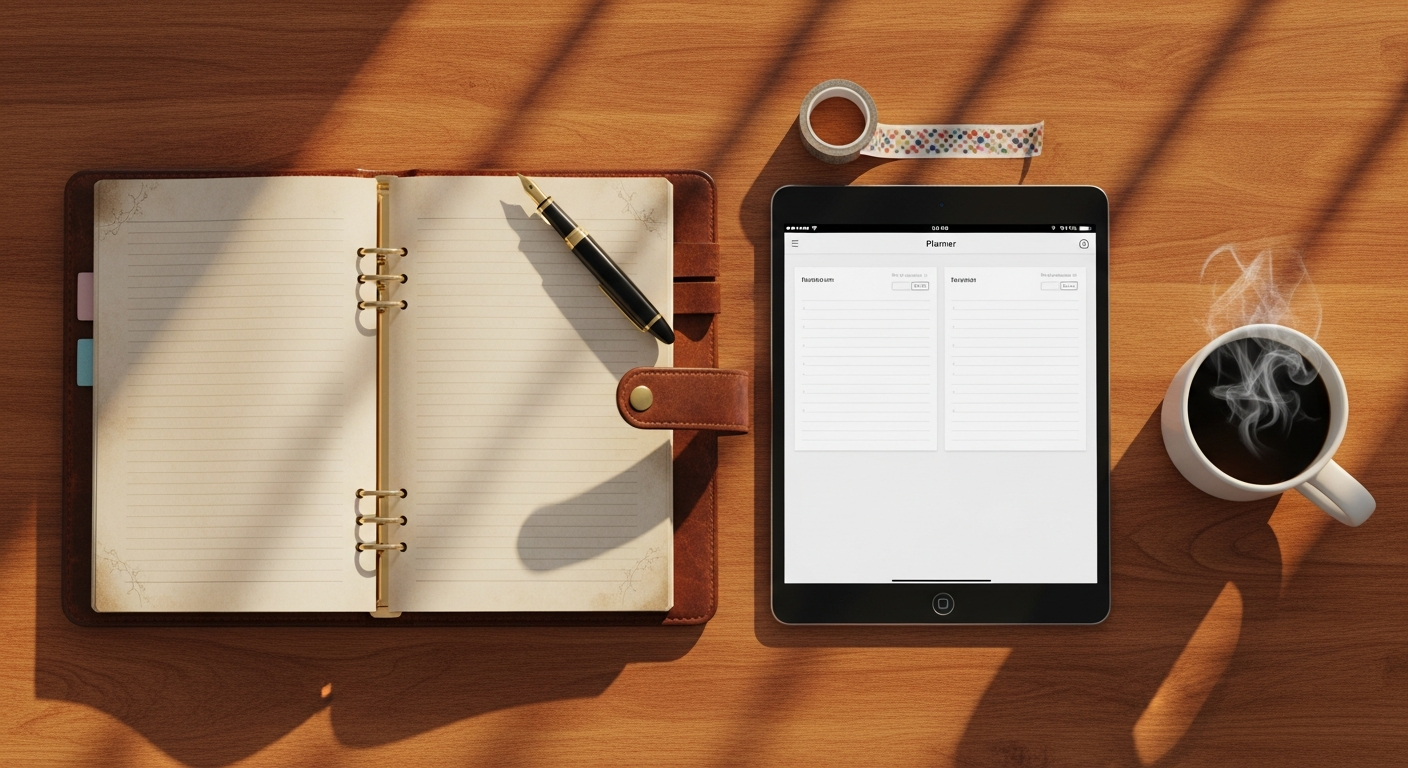
Let me guess.
You have a drawer somewhere with half-finished planners. Maybe a Passion Planner. An Erin Condren. A Hobonichi. A Leuchtturm1917 with your perfect pen clipped to the cover.
You loved paper planning. The ritual of it. The tactile satisfaction. The way your thoughts seemed clearer when you wrote them by hand.
But then... life happened.
You needed to sync with your work calendar. Or access your tasks from your phone. Or search for something you wrote three months ago. Or collaborate with your team.
So you tried going digital. And it felt wrong.
The apps were cluttered. The interfaces were overwhelming. Nothing captured that simple, beautiful experience of opening your planner and writing on a clean page.
You're not alone. This is maybe the most common frustration we hear.
This guide is for you—the paper planner lover who needs digital capabilities but refuses to sacrifice the experience that made planning meaningful in the first place.
What Paper Planners Get Right
Before we talk about going digital, let's honor what makes paper planners special. Because any digital solution that ignores these truths will fail.
1. The Two-Page Spread
There's something magical about seeing two pages side-by-side. Today and tomorrow. This week laid out visually. It provides context that single-page views simply can't match.
2. The Physical Ritual
Opening a planner. Uncapping a pen. The scratch of ink on paper. These sensory experiences create a psychological transition into "planning mode."
3. The Clean Aesthetic
Lined paper. Minimal design. Space to breathe. Paper planners don't assault you with notifications, badges, and competing interface elements.
4. The Permanence
What you write stays written. There's no temptation to endlessly reorganize, tag, and re-categorize. You plan, you do, you move on.
5. The Tactile Memory
Studies show we remember things better when we write them by hand. The physical act of writing engages different neural pathways than typing.
6. The Defined Sections
Priority tasks here. Appointments there. Notes in this corner. Expenses at the bottom. The structure is clear and consistent.
Any digital planner that wants to win over paper planner lovers must preserve these elements—or provide something even better in exchange.
What Paper Planners Get Wrong
Now let's be honest about the limitations:
1. No Search
"What was that thing I wrote in March?" leads to 20 minutes of page-flipping. Or giving up entirely.
2. No Sync
Your planner is wherever you left it. If that's at home and you're at work, tough luck.
3. No Calendar Integration
Your work calendar lives in Outlook or Google Calendar. Your personal planning lives in your paper planner. They never talk to each other.
4. No Recurring Tasks
Every week, you manually rewrite the same tasks. Meal prep Sunday. Team meeting Monday. It's tedious.
5. Limited Space
Run out of room on a day? Too bad. Need to add 10 more tasks? You're squishing them into margins.
6. No Backup
Lose your planner, lose everything. Coffee spill? Disaster.
7. No Analysis
How many times did you actually complete your morning routine this month? Paper can't tell you.
The ideal digital planner preserves what paper gets right while solving what it gets wrong.
The Digital Planner Criteria for Paper Lovers
Here's what to look for:
Must Have: Two-Page Spread View
The digital equivalent of opening your planner. See today and tomorrow (or a full week) at a glance. Not a never-ending scroll. Not a cramped mobile view. A proper spread.
Must Have: Clean, Minimal Design
If the interface looks like an airplane cockpit, it's too much. You want lined-paper simplicity, not feature overload.
Must Have: Defined Sections
Just like your paper planner: priorities, appointments, notes, expenses. Clear visual zones. Not one amorphous list.
Must Have: Keyboard-First Entry
The closest digital equivalent to writing with a pen is typing with a keyboard. No clicking through menus. Just type, Enter, next field.
Nice to Have: Auto-Save
Paper saves automatically (it's just there). Digital should too. No "save" buttons breaking your flow.
Nice to Have: Offline Access
Like paper, it should work without internet. At least for viewing and basic entry.
Deal Breaker: Notification Overload
If the app constantly buzzes, pings, and interrupts, it's destroying the calm focus that paper provided.
Making the Transition: A Week-by-Week Guide
Switching from paper to digital is a process, not an event. Here's how to do it without losing your mind:
Week 1: Parallel Planning
Don't abandon your paper planner yet. Run both systems simultaneously.
- Morning: Write your plan in paper (your ritual)
- Then: Copy the key items into digital (learning the tool)
- Evening: Check off items in both places
This week is about learning the digital tool without pressure. Paper is your safety net.
Week 2: Digital Primary, Paper Backup
Flip the priority.
- Morning: Plan in digital first
- Then: Write key items in paper (reduced list)
- Throughout day: Use digital for reference
- Keep paper nearby for that tactile hit when needed
Week 3: Digital With Intention
Go fully digital, but preserve ritual.
- Create a "planning ritual" in digital
- Same time each morning
- Same beverage
- Same spot
- Close other tabs/apps for distraction-free planning
- Use paper only for brainstorming or deep thinking sessions
Week 4: Embrace the Benefits
Now leverage what digital can do that paper can't:
- Set up recurring tasks (no more rewriting)
- Sync with Google Calendar
- Use search to find past items
- Track completion patterns
Month 2 and Beyond
The goal isn't to replicate paper perfectly—it's to build a better system.
Keep what works:
- Morning planning ritual
- Visual spread view
- Clean daily structure
Add what's better:
- Recurring tasks that auto-generate
- Calendar sync
- AI assistance for task breakdown
- Progress tracking over time
Preserving the Paper Rituals
Some paper rituals can transfer directly to digital. Here's how:
The Morning Planning Session
Paper version: Coffee, quiet space, open planner, review day. Digital version: Coffee, quiet space, open planner app (full screen), review day. Same ritual, different medium.
The Weekly Review
Paper version: Sunday evening, flip through week, plan next week. Digital version: Sunday evening, week view, review completions, plan next week. The process is identical.
The Brain Dump
Paper version: Blank page, write everything on your mind. Digital version: Open notes section, type stream of consciousness. Or keep a small paper notebook just for this—digital doesn't have to replace everything.
The Gratitude/Reflection Journaling
Paper version: Evening journaling by hand. Digital version: This one's personal. Some people find digital journaling works. Many prefer to keep a small paper journal just for reflection. Hybrid approaches are valid.
When to Stay Hybrid
Here's a secret: you don't have to go 100% digital.
A hybrid approach often works best for paper lovers:
Use Digital For:
- Daily task management (recurring tasks, tracking)
- Calendar integration (work/life sync)
- Time-sensitive items (appointments, deadlines)
- Searchable reference (projects, notes)
Use Paper For:
- Morning pages / journaling
- Creative brainstorming
- Deep thinking sessions
- Goals and vision work
- The occasional "I just need to write" moment
You can have the best of both worlds. The goal is an effective system, not ideological purity.
Features Paper Lovers Will Actually Love
Once you get past the transition, here are digital features that even die-hard paper fans come to appreciate:
1. Recurring Tasks
Set it once, see it forever. No more rewriting "Meal prep" every Sunday. It just appears.
2. Task Timers
How long did that project actually take? Paper can't tell you. Digital tracks automatically.
3. Attachments and Links
Attach the PDF to the task. Link to the relevant webpage. Everything lives together.
4. Google Calendar Sync
Your work meetings automatically appear in your daily plan. Two-way sync means changes flow both directions.
5. AI Task Breakdown
Type "Plan vacation" and get 15 specific action items. In seconds. It's like having a planning assistant.
6. Weekly Review Prompts
Unfinished tasks from last week? You'll see them. Digital remembers what paper forgets.
7. Search
"What was that restaurant I wanted to try?" Search. Found. Done.
8. Never Runs Out of Space
Add 50 tasks to a day if you need to. The page expands. No margin-squishing required.
The Emotional Transition
Let's address the elephant in the room: going digital might feel like a loss.
You might miss:
- The smell of paper
- The sound of pen on page
- The visible progress of filling a planner
- The artifact at year's end (a completed planner is satisfying to hold)
These feelings are valid. Paper planning is tactile and emotional in ways digital can't fully replicate.
But consider what you gain:
- Freedom from carrying a physical book everywhere
- Never losing your planner (it's backed up)
- Access from any device
- Time saved on recurring task entry
- Insights from tracking and analytics
The transition isn't about replacement—it's about evolution. You're not abandoning what made planning meaningful. You're enhancing it.
Your First Digital Planning Day
Here's how to start:
Setup (10 minutes)
- Create your account
- Set up the two-day spread view (mimics your paper planner)
- Create 3-5 priority items for today
- Add any appointments
- Set up ONE recurring task
Use It (All Day)
- Check off tasks as you complete them
- Add new items as they come up
- Reference from your phone if needed
Reflect (5 minutes, evening)
- How did it feel?
- What was better than paper?
- What did you miss?
- What would you adjust tomorrow?
No pressure to love it immediately. Give it a fair trial—at least 2-3 weeks.
Final Thoughts for Paper Lovers
You fell in love with planning for a reason. The clarity. The calm. The sense of control over your day.
Those things don't live in paper. They live in the act of intentional planning.
The medium can change. The meaning doesn't have to.
Find a digital tool that honors what you loved about paper. Give it a real chance. Be patient with the transition.
And keep a small notebook nearby for those moments when nothing but pen on paper will do.
Your 2025 planning system might look different than last year's. That's okay. It can still feel like home.